Shader with SFML
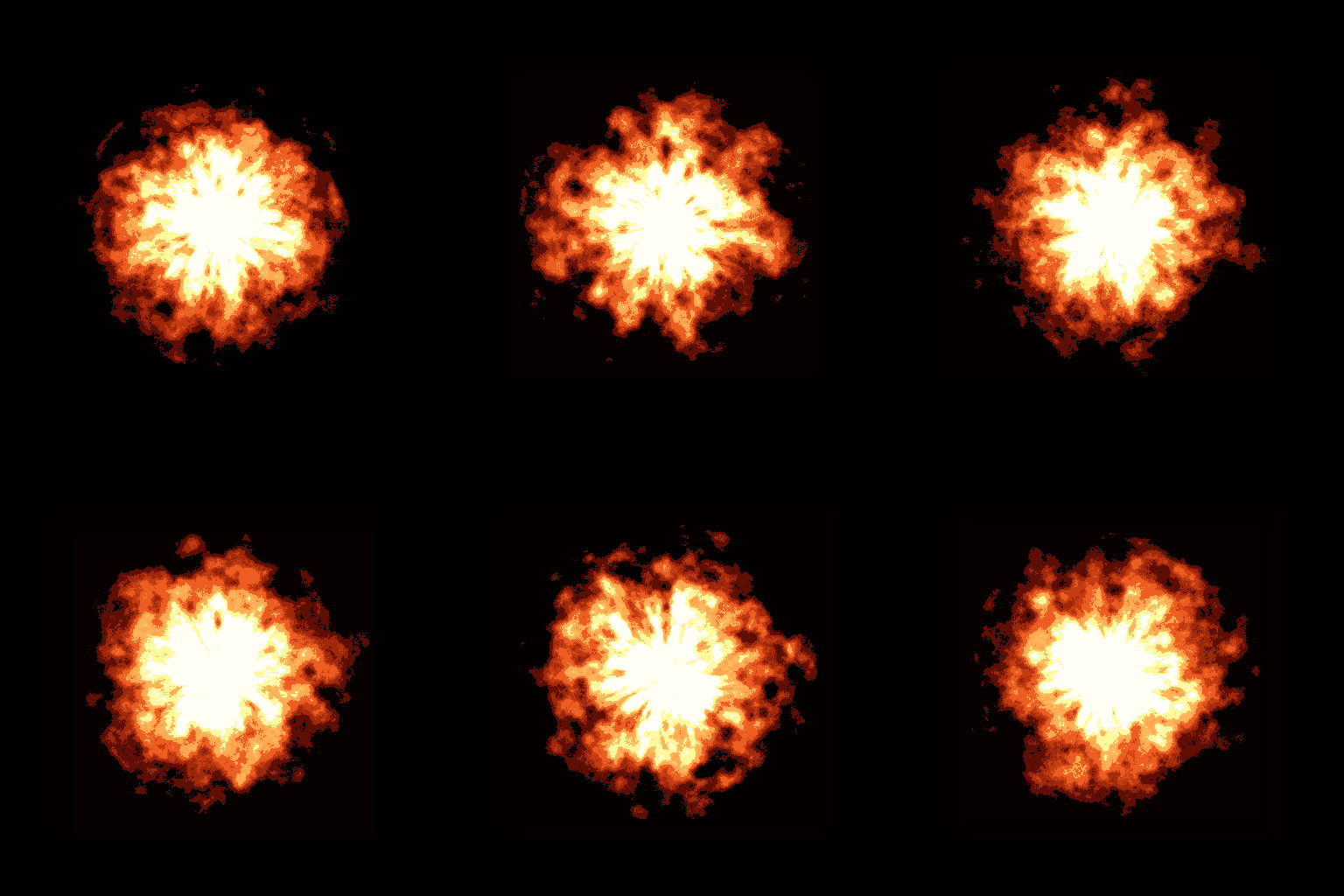

In this tutorial this is an example of a fire burning made with a fragment shader with SFML. As you can see using shader is really simple.
- SFML

In this tutorial I will show you how to make and use a fragment shader with SFML.
The goal is not to learn GLSL but to integrate a shader taken from Shadertoy or GLSL Sandbox into an SFML app.
At the end of the tutorial you will have:
A fragment shader is a type of shader program used in computer graphics, specifically within the graphics pipeline of a GPU (Graphics Processing Unit). It is responsible for determining the color and other attributes of each fragment, which can be thought of as a potential pixel on the screen.
The Shader code
Here is the code of the shader we will use:
#ifdef GL_ES
precision mediump float;
#endif

uniform float time;
uniform vec2 mouse;
uniform vec2 resolution;

float snoise(vec3 uv, float res)
{
	const vec3 s = vec3(1e0, 1e2, 1e3);

	uv *= res;

	vec3 uv0 = floor(mod(uv, res))*s;
	vec3 uv1 = floor(mod(uv+vec3(1.), res))*s;

	vec3 f = fract(uv); f = f*f*(3.0-2.0*f);

	vec4 v = vec4(uv0.x+uv0.y+uv0.z, uv1.x+uv0.y+uv0.z,
		      	  uv0.x+uv1.y+uv0.z, uv1.x+uv1.y+uv0.z);

	vec4 r = fract(sin(v*1e-1)*1e3);
	float r0 = mix(mix(r.x, r.y, f.x), mix(r.z, r.w, f.x), f.y);

	r = fract(sin((v + uv1.z - uv0.z)*1e-1)*1e3);
	float r1 = mix(mix(r.x, r.y, f.x), mix(r.z, r.w, f.x), f.y);

	return mix(r0, r1, f.z)*2.-1.;
}

void main( void ) {
	vec2 p = gl_FragCoord.xy / resolution.xy;
	p.x = p.x - mouse.x / resolution.x;
	p.y = p.y + mouse.y / resolution.y;
	p.y = p.y - 1.0;

	p.x*=resolution.x/resolution.y;

	float color = 3.0 - (6.*length(p));

	vec3 coord = vec3(atan(p.x,p.y)/6.2832, length(p)*0.4, .5);

	for(int i = 1; i <= 7; i++){
		float power = pow(2.0, float(i));
		color += (1.5 / power) * snoise(coord + vec3(0.,-time*.05, time*.01), power*16.);
	}

	gl_FragColor = vec4( color, pow(max(color,0.),2.)*0.4, pow(max(color,0.),3.)*0.15 , 1.0);

}
As you can see there is a lot of mathematics involved when we want to make a shader with some blur or in this case noise.
Another interesting things are the parameters we will need to give to the shader:
uniform float time;
uniform vec2 mouse;
uniform vec2 resolution;
time = the time elapsed since the beginning of the program (in seconds). mouse = coordinate (x, y) of the cursor (in pixel). resolution = resolution of the window (in pixel).
The Shader with SFML Apps
Now we need to create the window and load the fragment shader in the main. We will need to create a sprite to display the shader. And after that we will update the shader paramaters. Here is the source code.
#include <SFML/Graphics.hpp>
#include <iostream>

int main() {
	const float winW = 800;
	const float winH = 600;

	sf::RenderWindow window(sf::VideoMode(winW, winH), "SFML Shader Example");
	window.setMouseCursorVisible(false); // hide the cursor

	// Create a texture and a sprite for the shader
	sf::Texture tex;
	tex.create(winW, winH);
	sf::Sprite spr(tex);

	sf::Shader shader;
	shader.loadFromFile("fire.glsl", sf::Shader::Fragment); // load the shader

	if (!shader.isAvailable()) {
		std::cout << "The shader is not available\n";
	}

	// Set the resolution parameter (the resoltion is divided to make the fire smaller)
	shader.setParameter("resolution", sf::Vector2f(winW / 2, winH / 2));

	// Use a timer to obtain the time elapsed
	sf::Clock clk;
	clk.restart(); // start the timer

	while (window.isOpen()) {
		// Event handling
		sf::Event event;

		while (window.pollEvent(event)) {
			// Exit the app when a key is pressed
			if (event.type == sf::Event::KeyPressed)
				window.close();
		}

		// Set the others parameters who need to be updated every frames
		shader.setParameter("time", clk.getElapsedTime().asSeconds());

		sf::Vector2i mousePos = sf::Mouse::getPosition(window);
		shader.setParameter("mouse", sf::Vector2f(mousePos.x, mousePos.y - winH/2));

		// Draw the sprite with the shader on it
		window.clear();
		window.draw(spr, &shader);
		window.display();
	}

	return 0;
}
You can download the project shader with SFML for VS2015: SFMLShaderExample.7z