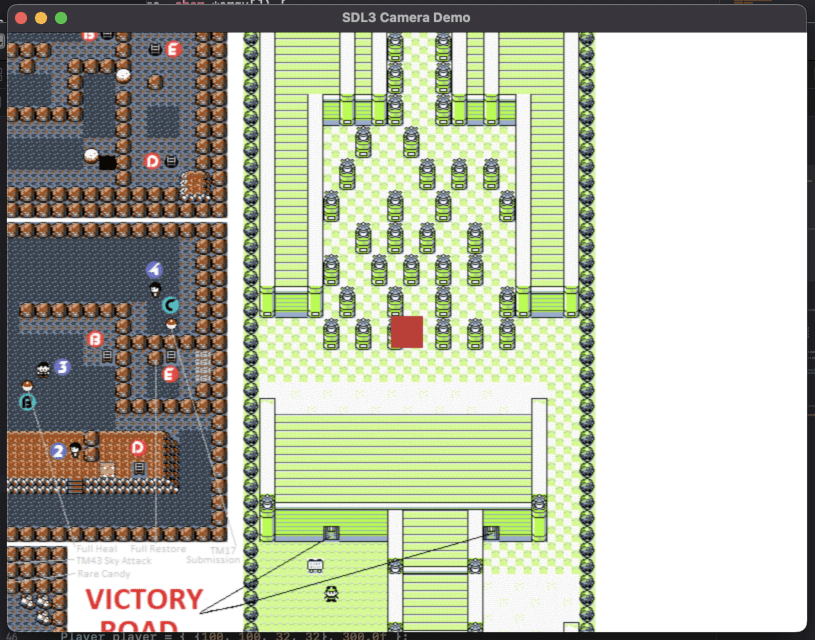
How to Create a 2D Camera System in SDL3
Learn how to implement a smooth 2D camera system in SDL3 that follows your player across a larger game world. Ideal for platformers and top-down games.
- SDL3, SDL3_Image

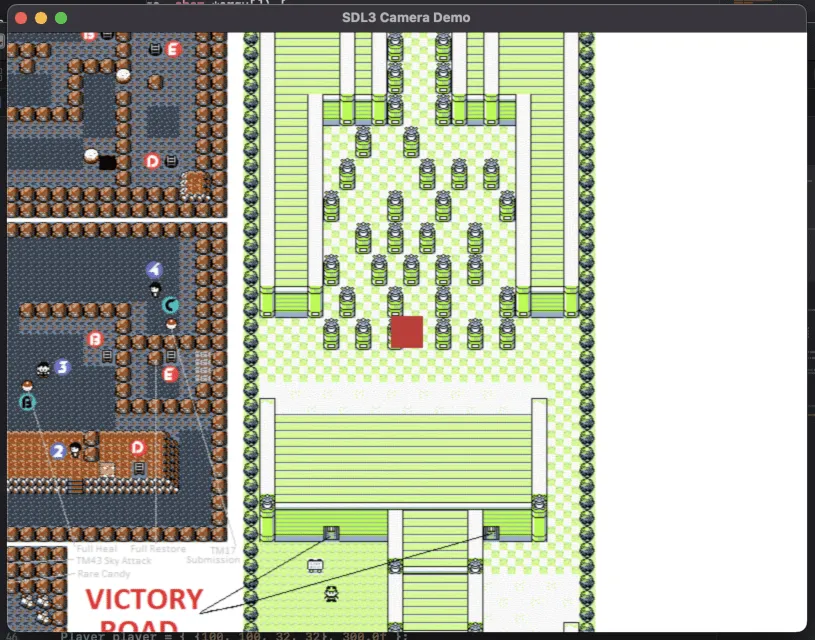
A 2D camera system allows you to navigate world dimensions larger than the display window by translating world coordinates into screen coordinates based on the camera’s position.
The basic structs
Helper structures are defined to handle vectors, the camera viewport, and the player entity:
struct Vec2 {
    float x, y;
};

struct Camera {
    Vec2 position;
    int width, height;
};

struct Player {
    SDL_FRect rect;
    float speed;
};
Initializations
Window resizable
Enable window resizing by passing the SDL_WINDOW_RESIZABLE flag upon creation:
SDL_Window* window = SDL_CreateWindow("SDL3 Camera Demo", 800, 600, SDL_WINDOW_RESIZABLE);
if (!window) {
    SDL_Log("Failed to create window: %s", SDL_GetError());
    SDL_Quit();
    return 1;
}
Load the background
Load the image texture representing the game world:
SDL_Surface *bg = IMG_Load("bg.png");
SDL_Texture *tex = SDL_CreateTextureFromSurface(renderer, bg);
SDL_DestroySurface(bg);
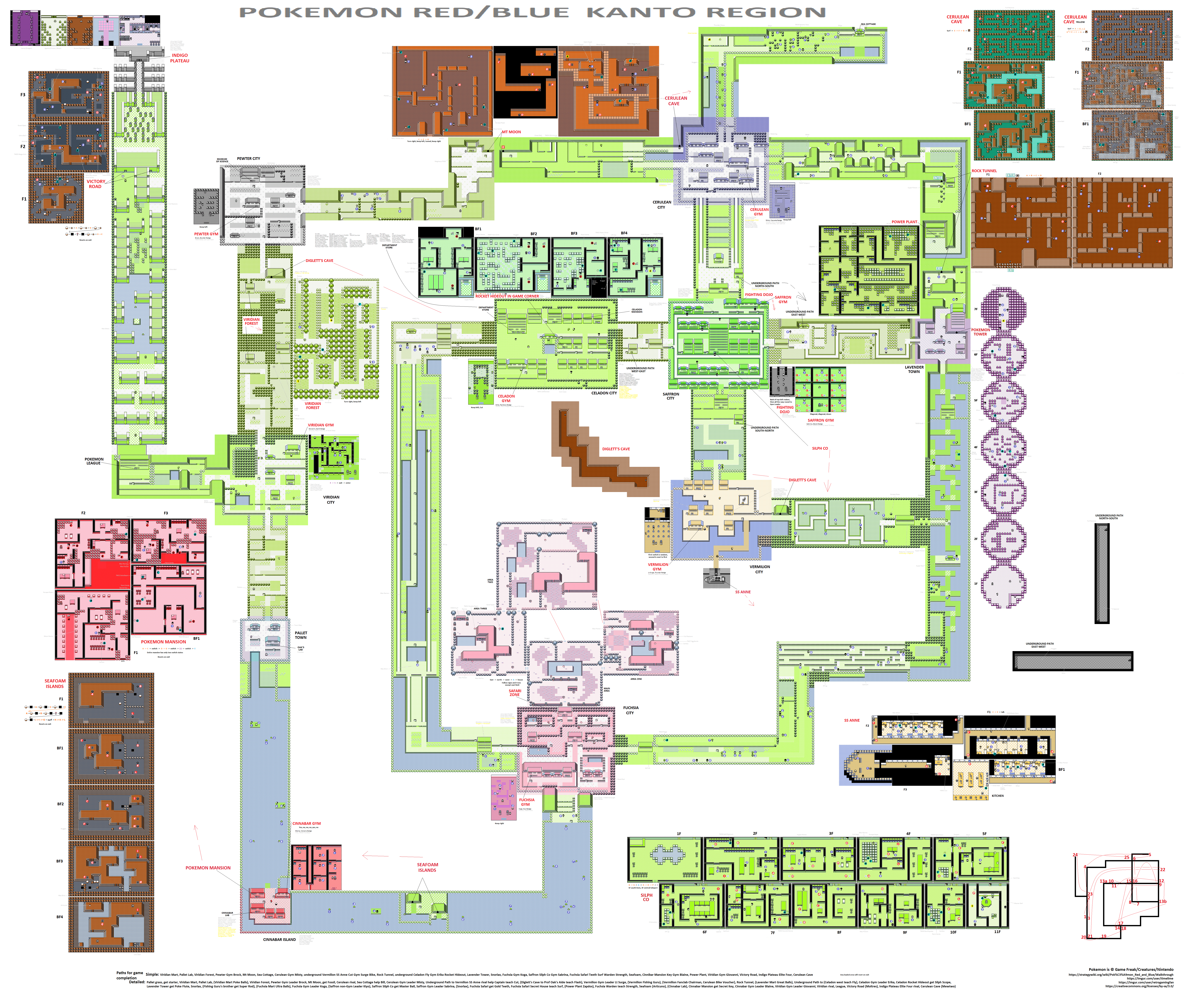
For this example I will use the background of the pokemon world: bg of pokemon map
The world constants
Store the overall world dimensions retrieved from the background texture:
const int WORLD_WIDTH = tex->w;
const int WORLD_HEIGHT = tex->h;
The player
Initialize starting position, dimensions, and movement speed:
Player player = { {100, 100, 32, 32}, 300.0f };The camera
Initialize starting position and screen dimensions:
Camera camera = { {0, 0}, 800, 600 };The main loop
The frame delta time
Calculate frame delta time for smooth movement independent of the frame rate:
Uint64 currentTime = SDL_GetTicks();
float delta = (currentTime - lastTime) / 1000.0f;
lastTime = currentTime;
The event loop
Handle window resizing events to dynamically update camera viewport dimensions:
while (SDL_PollEvent(&e)) {
    if (e.type == SDL_EVENT_QUIT)
        running = false;
    if (e.type == SDL_EVENT_WINDOW_RESIZED) {
        SDL_GetWindowSize(window, &camera.width, &camera.height);
    }
}
Player handling
Move the player
Process keyboard inputs to adjust the player’s world position:
const bool* keys = SDL_GetKeyboardState(NULL);
if (keys[SDL_SCANCODE_W]) player.rect.y -= player.speed * delta;
if (keys[SDL_SCANCODE_S]) player.rect.y += player.speed * delta;
if (keys[SDL_SCANCODE_A]) player.rect.x -= player.speed * delta;
if (keys[SDL_SCANCODE_D]) player.rect.x += player.speed * delta;
World bound
Keep the player within the world boundaries:
if (player.rect.x < 0) player.rect.x = 0;
if (player.rect.y < 0) player.rect.y = 0;
if (player.rect.x + player.rect.w > WORLD_WIDTH) player.rect.x = WORLD_WIDTH - player.rect.w;
if (player.rect.y + player.rect.h > WORLD_HEIGHT) player.rect.y = WORLD_HEIGHT - player.rect.h;
The camera handling
Update the camera position to focus on the center of the player:
camera.position.x = player.rect.x + player.rect.w / 2 - camera.width / 2;
camera.position.y = player.rect.y + player.rect.h / 2 - camera.height / 2;
World bound
Clamp the camera coordinates to prevent rendering outside the world bounds:
if (camera.position.x < 0) camera.position.x = 0;
if (camera.position.y < 0) camera.position.y = 0;
if (camera.position.x + camera.width > WORLD_WIDTH)
    camera.position.x = WORLD_WIDTH - camera.width;
if (camera.position.y + camera.height > WORLD_HEIGHT)
    camera.position.y = WORLD_HEIGHT - camera.height;
The rendering
The world
Render the background texture offset by the camera’s position:
SDL_FRect worldBounds = {
    -camera.position.x,
    -camera.position.y,
    (float)WORLD_WIDTH,
    (float)WORLD_HEIGHT
};
SDL_RenderTexture(renderer, tex, NULL, &worldBounds);
The player
Subtract the camera position from the player’s world coordinates to get screen space coordinates for rendering:
SDL_FRect screenPlayer = {
    player.rect.x - camera.position.x,
    player.rect.y - camera.position.y,
    player.rect.w,
    player.rect.h
};
SDL_SetRenderDrawColor(renderer, 200, 50, 50, 255);
SDL_RenderFillRect(renderer, &screenPlayer);
Download the full project : How to Create a 2D Camera System in SDL3
- For macos: SDL3_2DCamera_mac.7z
- For windows: SDL3_2DCamera_win.7z
- For linux: SDL3_2DCamera_linux.7z