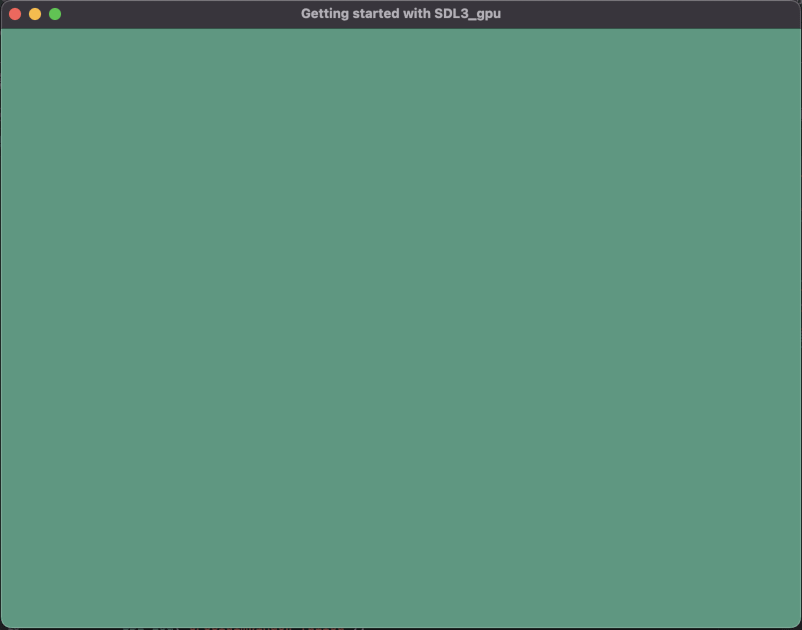
Getting started with SDL3_gpu : Clear screen
Getting started with SDL3_gpu. This step-by-step tutorial covers context creation, basic usage of the command buffer, the basics concepts for using SDL3_gpu through an simple example.
- SDL3

Initialiations
Create the device
To use SDL3_gpu we need too create a basic context: SDL_GPUDevice
The signature of the function is like this:
SDL_GPUDevice * SDL_CreateGPUDevice(
    SDL_GPUShaderFormat format_flags, // shader format
    bool debug_mode, // if the mode is debug for properties and validation
    const char *name // name of the gpu driver
);
For the SDL_GPUShaderFormat you can use the following values:
SDL_GPU_SHADERFORMAT_SPIRV // SPIR-V shaders for Vulkan.
SDL_GPU_SHADERFORMAT_DXBC  // DXBC SM5_1 shaders for D3D12.
SDL_GPU_SHADERFORMAT_DXIL  // DXIL SM6_0 shaders for D3D12.
SDL_GPU_SHADERFORMAT_MSL // MSL shaders for Metal.
SDL_GPU_SHADERFORMAT_METALLIB // Precompiled metallib shaders for Metal.
The gpu driver name can be one of the values:
vulkan // Vulkan
direct3d12 // D3D12
metal // Metal
NULL // let SDL pick the optimal driver
For this example we will init the device like that:
SDL_Init(SDL_INIT_VIDEO);
SDL_GPUDevice* device = SDL_CreateGPUDevice(
    SDL_GPU_SHADERFORMAT_SPIRV | SDL_GPU_SHADERFORMAT_DXIL | SDL_GPU_SHADERFORMAT_MSL,
    true,
    NULL
);
if (device == NULL)
{
    SDL_Log("CreateDevice failed");
    return -1;
}
Create the window
The window creation is next, here you already know the function to use, so I will not go into details:
SDL_Window* window = SDL_CreateWindow("Getting started with SDL3_gpu", 800, 600, SDL_WINDOW_RESIZABLE);
if (window == NULL)
{
    SDL_Log("CreateWindow failed: %s", SDL_GetError());
    return -1;
}
Claim the window
The device need to use the window for that we use SDL_ClaimWindowForGPUDevice(device, window)
It can only be used on the thread the window has been created.
if (!SDL_ClaimWindowForGPUDevice(device, window))
{
    SDL_Log("ClaimWindow failed");
    return -1;
}
The event loop
We only have one type of event SDL_EVENT_QUIT to close the window since this is not the subject of the tutorial.
The rendering
For the rendering we will use a command buffer: the command buffer is a buffer of commands to be executed by SDL3_gpu.
It does not need to be freed and can only be used on the thread is has been created.
The command buffer
To create the command buffer it is pretty simple: SDL_AcquireGPUCommandBuffer(device)
SDL_GPUCommandBuffer* cmdbuf = SDL_AcquireGPUCommandBuffer(device);
if (cmdbuf == NULL)
{
    SDL_Log("AcquireGPUCommandBuffer failed: %s", SDL_GetError());
    return -1;
}
The swapchain texture
A swapchain texture is a key concept in GPU rendering and graphics APIs like Vulkan, Direct3D, Metal, and to some extent OpenGL with extensions. It refers to the set of textures used for displaying rendered frames on screen, typically managed in a double-buffered or triple-buffered manner.
What is a Swapchain?
A swapchain is a queue of framebuffers (or textures) that:
- Are presented (swapped) to the screen one after another.
- Allow rendering into one texture while another is being displayed.
- Help avoid tearing, flickering, and stuttering.
To clear the screen we need to aquire a texture from the gpu for that we use SDL_WaitAndAcquireGPUSwapchainTexture
bool SDL_WaitAndAcquireGPUSwapchainTexture(
    SDL_GPUCommandBuffer *command_buffer,
    SDL_Window *window,
    SDL_GPUTexture **swapchain_texture, // a pointer filled in with a swapchain texture handle.
    Uint32 *swapchain_texture_width, // a pointer filled in with the swapchain texture height
    Uint32 *swapchain_texture_height // a pointer filled in with the swapchain texture height
);
Here is the code we will use to get the swapchain texture:
SDL_GPUTexture* swapchainTexture;
if (!SDL_WaitAndAcquireGPUSwapchainTexture(cmdbuf, window, &swapchainTexture, NULL, NULL)) {
    SDL_Log("WaitAndAcquireGPUSwapchainTexture failed: %s", SDL_GetError());
    return -1;
}
The render pass
Now it’s time to work on the texture, for that we will begin a render pass with the function SDL_BeginGPURenderPass
SDL_GPURenderPass * SDL_BeginGPURenderPass(
    SDL_GPUCommandBuffer *command_buffer,
    const SDL_GPUColorTargetInfo *color_target_infos, // informations about the clear values and load/store ops
    Uint32 num_color_targets,
    const SDL_GPUDepthStencilTargetInfo *depth_stencil_target_info // informations about clear values and load/store ops.
);
For this example we will not use the structure SDL_GPUDepthStencilTargetInfo but we will still see whats inside ;)
Let’s see whats inside the SDL_GPUColorTargetInfo, from the documentation:
typedef struct SDL_GPUColorTargetInfo
{
    SDL_GPUTexture *texture;         // The texture that will be used as
                                     // a color target by a render pass.
    Uint32 mip_level;                // The mip level to use as a color target.
    Uint32 layer_or_depth_plane;     // The layer index or depth plane to use
                                     // as a color target. This value is treated
                                     // as a layer index on 2D array and cube textures,
                                     // and as a depth plane on 3D textures.
    SDL_FColor clear_color;          // The color to clear the color target to at
                                     // the start of the render pass.
                                     // Ignored if SDL_GPU_LOADOP_CLEAR is not used.
    SDL_GPULoadOp load_op;           // What is done with the contents of the
                                     // color target at the beginning of the render pass.
    SDL_GPUStoreOp store_op;         // What is done with the results of the render pass.
    SDL_GPUTexture *resolve_texture; // The texture that will receive the results
                                     // of a multisample resolve operation.
                                     // Ignored if a RESOLVE* store_op is not used.
    Uint32 resolve_mip_level;        // The mip level of the resolve texture
                                     // to use for the resolve operation.
                                     // Ignored if a RESOLVE* store_op is not used.
    Uint32 resolve_layer;            // The layer index of the resolve texture
                                     // to use for the resolve operation.
                                     // Ignored if a RESOLVE* store_op is not used.
    bool cycle;                      // true cycles the texture if the texture
                                     // is bound and load_op is not LOAD
    bool cycle_resolve_texture;      // true cycles the resolve texture
                                     // if the resolve texture is bound.
                                     // Ignored if a RESOLVE* store_op is not used.
    Uint8 padding1;
    Uint8 padding2;
} SDL_GPUColorTargetInfo;

The load_op field determines what is done with the texture at the beginning of the render pass:

* LOAD: Loads the data currently in the texture. Not recommended for multisample textures as it requires significant memory bandwidth.
* CLEAR: Clears the texture to a single color.
* DONT_CARE: The driver will do whatever it wants with the texture memory. This is a good option if you know that every single pixel will be touched in the render pass.

The store_op field determines what is done with the color results of the render pass.

* STORE: Stores the results of the render pass in the texture. Not recommended for multisample textures as it requires significant memory bandwidth.
* DONT_CARE: The driver will do whatever it wants with the texture memory. This is often a good option for depth/stencil textures.
* RESOLVE: Resolves a multisample texture into resolve_texture, which must have a sample count of 1. Then the driver may discard the multisample texture memory. This is the most performant method of resolving a multisample target.
* RESOLVE_AND_STORE: Resolves a multisample texture into the resolve_texture, which must have a sample count of 1. Then the driver stores the multisample texture's contents. Not recommended as it requires significant memory bandwidth.

#### What is a depth-stencil texture?

A depth-stencil texture is a special kind of GPU texture that stores both depth and stencil information in the same image. It is commonly used in 3D rendering when both depth testing and stencil testing are needed.

Depth:

* Stores the distance of each pixel from the camera.
* Used to determine which objects are in front of others (z-buffering).

Stencil:

* Stores per-pixel masks (usually 8-bit).
* Used to include or exclude pixels from rendering (e.g., masking, outlining, mirrors).

Combining them into one texture saves memory and bandwidth, and is efficient for the GPU.

```cpp
typedef struct SDL_GPUDepthStencilTargetInfo
{
    SDL_GPUTexture *texture;               // The texture that will be used
                                           // as the depth stencil target by the render pass.
    float clear_depth;                     // The value to clear the depth component
                                           // to at the beginning of the render pass.
                                           // Ignored if SDL_GPU_LOADOP_CLEAR is not used.
    SDL_GPULoadOp load_op;                 // What is done with the depth contents at
                                           // the beginning of the render pass.
    SDL_GPUStoreOp store_op;               // What is done with the depth results of the render pass.
    SDL_GPULoadOp stencil_load_op;         // What is done with the stencil contents at
                                           // the beginning of the render pass.
    SDL_GPUStoreOp stencil_store_op;       // What is done with the stencil results of the render pass.
    bool cycle;                            // true cycles the texture if the texture
                                           // is bound and any load ops are not LOAD
    Uint8 clear_stencil;                   // The value to clear the stencil component
                                           // to at the beginning of the render pass.
                                           // Ignored if SDL_GPU_LOADOP_CLEAR is not used.
    Uint8 padding1;
    Uint8 padding2;
} SDL_GPUDepthStencilTargetInfo;
The load_op field determines what is done with the depth contents of the texture at the beginning of the render pass.
- LOAD: Loads the depth values currently in the texture.
- CLEAR: Clears the texture to a single depth.
- DONT_CARE: The driver will do whatever it wants with the memory. This is a good option if you know that every single pixel will be touched in the render pass.
The store_op field determines what is done with the depth results of the render pass.
- STORE: Stores the depth results in the texture.
- DONT_CARE: The driver will do whatever it wants with the depth results. This is often a good option for depth/stencil textures that don’t need to be reused again.
The stencil_load_op field determines what is done with the stencil contents of the texture at the beginning of the render pass.
- LOAD: Loads the stencil values currently in the texture.
- CLEAR: Clears the stencil values to a single value.
- DONT_CARE: The driver will do whatever it wants with the memory. This is a good option if you know that every single pixel will be touched in the render pass.
The stencil_store_op field determines what is done with the stencil results of the render pass.
- STORE: Stores the stencil results in the texture.
- DONT_CARE: The driver will do whatever it wants with the stencil results. This is often a good option for depth/stencil textures that don’t need to be reused again.
Note that depth/stencil targets do not support multisample resolves.
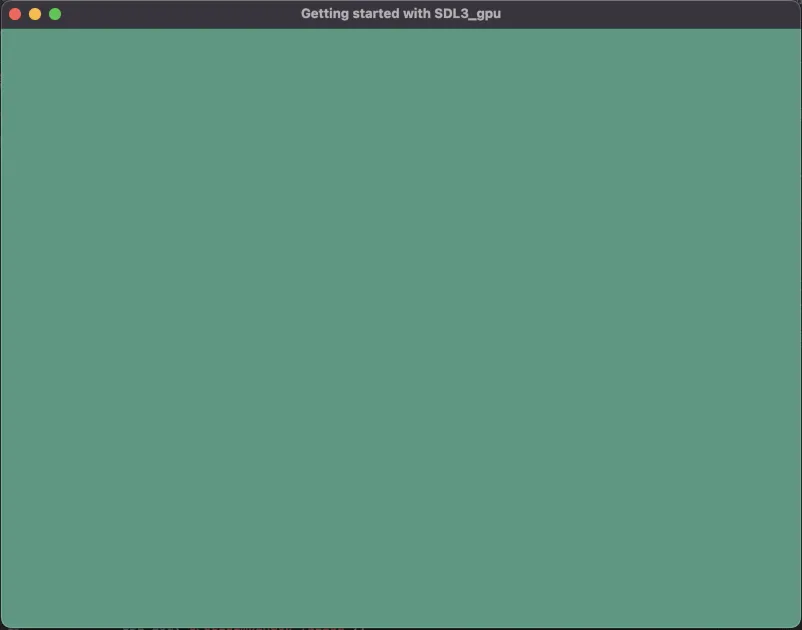
For our case we will use SDL_GPU_LOADOP_CLEAR and no depth-stencyl texture actions:
if (swapchainTexture != NULL)
{
    SDL_GPUColorTargetInfo colorTargetInfo = { 0 };
    colorTargetInfo.texture = swapchainTexture;
    colorTargetInfo.clear_color = (SDL_FColor){ 0.3f, 0.6f, 0.5f, 1.0f };
    colorTargetInfo.load_op = SDL_GPU_LOADOP_CLEAR;
    colorTargetInfo.store_op = SDL_GPU_STOREOP_STORE;
    SDL_GPURenderPass* renderPass = SDL_BeginGPURenderPass(cmdbuf, &colorTargetInfo, 1, NULL);
    SDL_EndGPURenderPass(renderPass);
}
Here we simply want to clear the screen so the renderpass contains nothing, in a next tutorial we will see how to display a texture.
Submit the command buffer
SDL_SubmitGPUCommandBuffer(cmdbuf);Download the full project : Getting started with SDL3_gpu : Clear screen
- For macos: SDL3_ClearScreen_mac.7z
- For windows: SDL3_ClearScreen_win.7z
- For linux: SDL3_ClearScreen_linux.7z