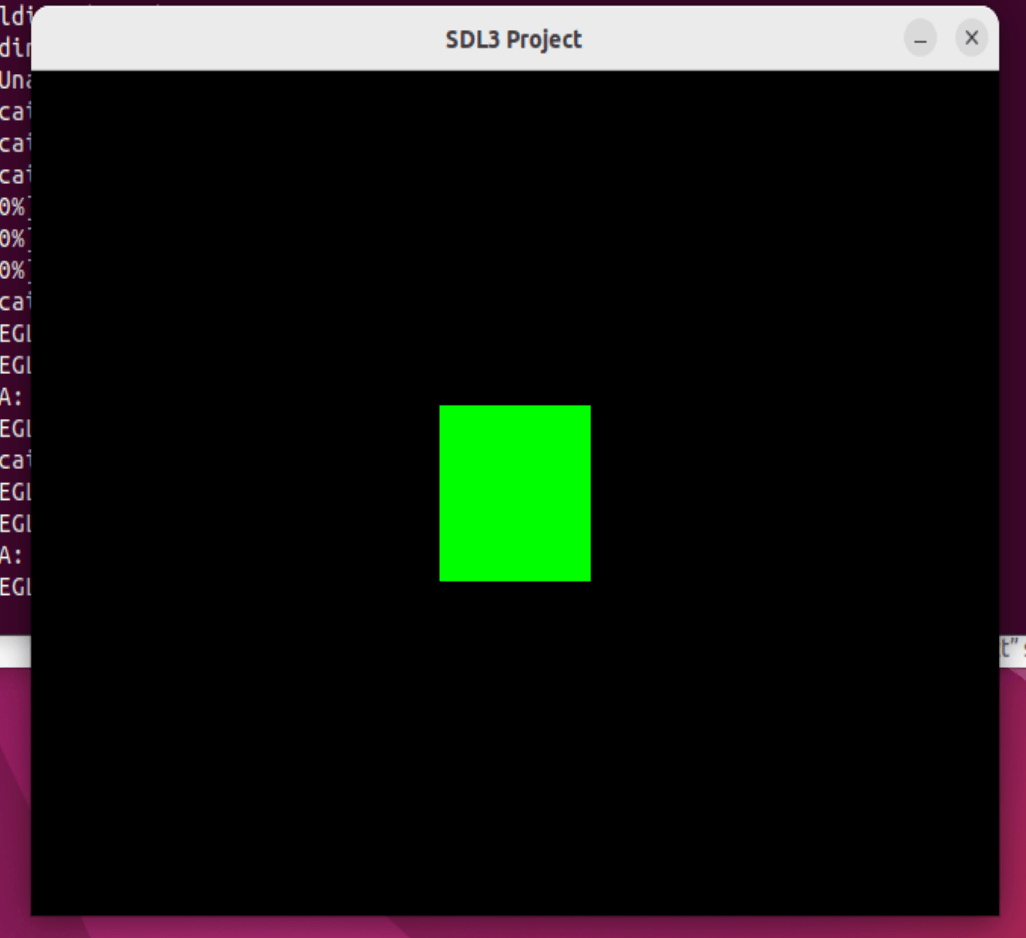
Install SDL3 on Linux Using CMake
Learn how to install and compile SDL3 on Linux using CMake. This tutorial includes creating a simple test program to verify your installation.
- git, cmake

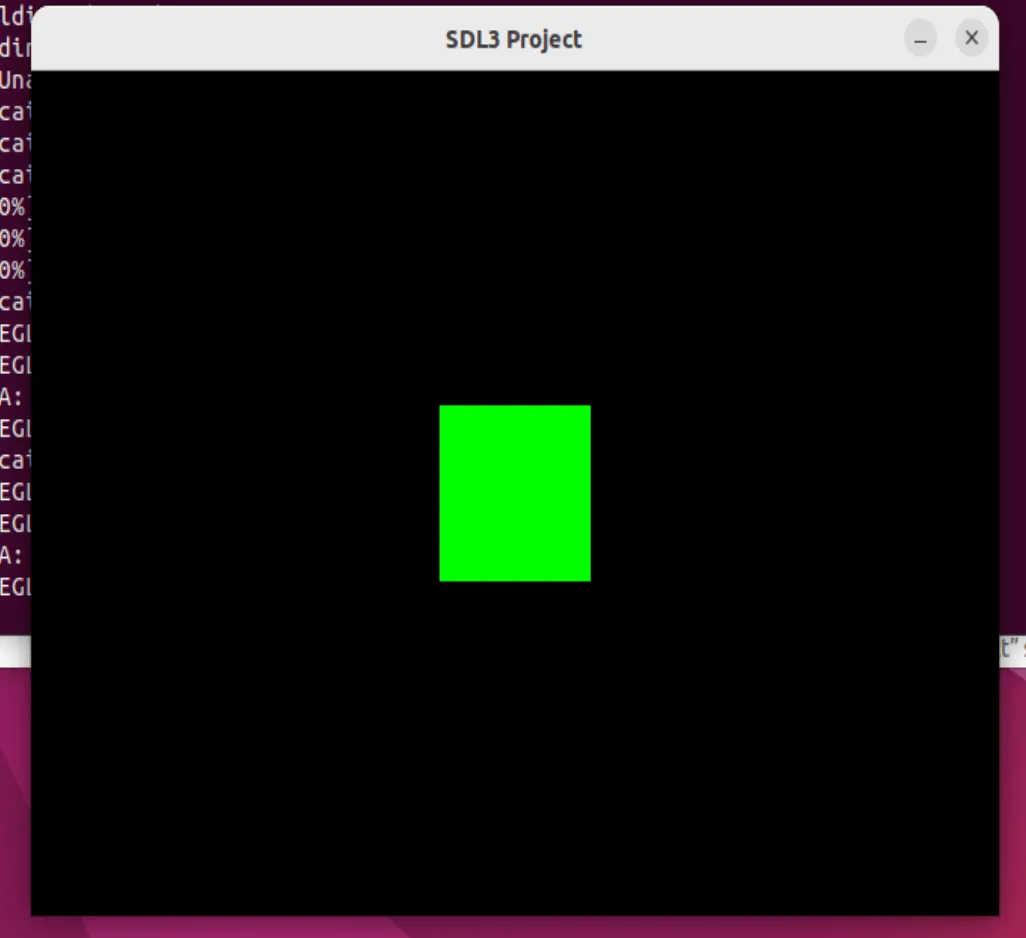
The goal of this tutorial is to install SDL3 from a package manager and compile on Linux.
Compile and install SDL3 with CMake
1) Install CMake
sudo apt-get install cmake2) Download SDL3
You need to download the release of SDL3: https://github.com/libsdl-org/SDL/releases/tag/
For me the current release is the 3.2.4
Download the tar.gz or the zip archive.
3) Extract the archive and compile
Extract the archive:
tar -xf SDL3-3.2.4.tar.gzOpen a terminal and go into the archive: cd path_to_the_archive
For example I have the archive in the downloads directory: cd Downloads/SDL3-3.2.4
4) Compile SDL3 and install
mkdir build
cd build
ccmake ..
# type c for configure
# type c again
# type g for generate
make
sudo make install
5) Create a hello world project
Create the directory hello on the Desktop: mkdir hello. Then create inside it a CMakeLists.txt file:
cmake_minimum_required(VERSION 3.10)
project(HelloProject)

set(CMAKE_CXX_STANDARD 17)
set(CMAKE_CXX_STANDARD_REQUIRED True)

find_package(SDL3 REQUIRED)

add_executable(${PROJECT_NAME} main.cpp)
target_link_libraries(${PROJECT_NAME} PRIVATE SDL3::SDL3)
Then create a main.cpp file:
#include <SDL3/SDL.h>
#include <iostream>

int main(int argc, char* argv[]) {
    SDL_Init(SDL_INIT_VIDEO);

    SDL_Window* win = SDL_CreateWindow("SDL3 Project", 640, 480, 0);
    if (win == nullptr) {
        std::cerr << "SDL_CreateWindow Error: " << SDL_GetError() << std::endl;
        SDL_Quit();
        return 1;
    }

    SDL_Renderer* ren = SDL_CreateRenderer(win, NULL);
    if (ren == nullptr) {
        std::cerr << "SDL_CreateRenderer Error: " << SDL_GetError() << std::endl;
        SDL_DestroyWindow(win);
        SDL_Quit();
        return 1;
    }

    SDL_Event e;
    bool quit = false;

    // Define a rectangle
    SDL_FRect greenSquare {270, 190, 100, 100};

    while (!quit) {
        while (SDL_PollEvent(&e)) {
            if (e.type == SDL_EVENT_QUIT) {
                quit = true;
            }
        }

        SDL_SetRenderDrawColor(ren, 0, 0, 0, 255); // Set render draw color to black
        SDL_RenderClear(ren); // Clear the renderer

        SDL_SetRenderDrawColor(ren, 0, 255, 0, 255); // Set render draw color to green
        SDL_RenderFillRect(ren, &greenSquare); // Render the rectangle

        SDL_RenderPresent(ren); // Render the screen
    }

    SDL_DestroyRenderer(ren);
    SDL_DestroyWindow(win);
    SDL_Quit();

    return 0;
}
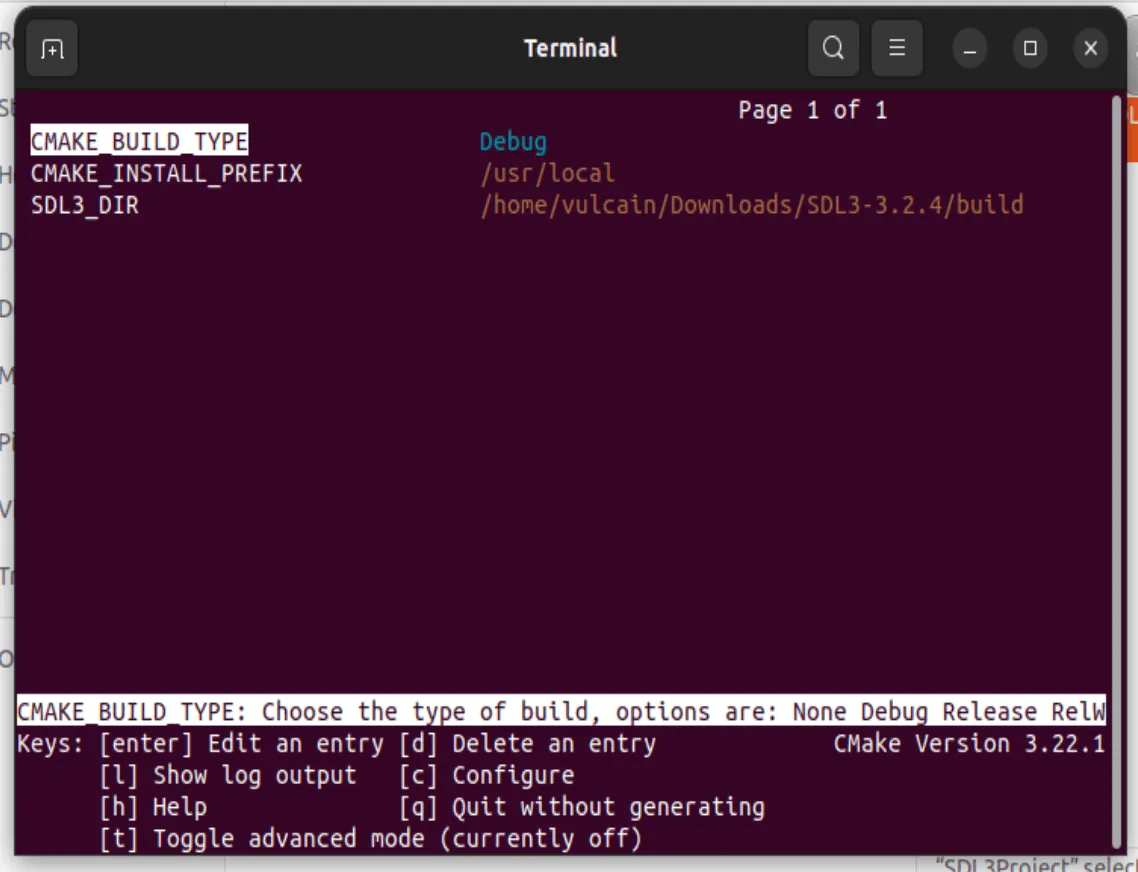
Then run CMake to create the project and build it:
mkdir build
cd build
ccmake ..
# type c for configure
# select the path for SDL3
# type c again
# type g for generate
make
6) The full project : SDL3 on linux
Download the full project: SDL3_HelloProject_linux.7z