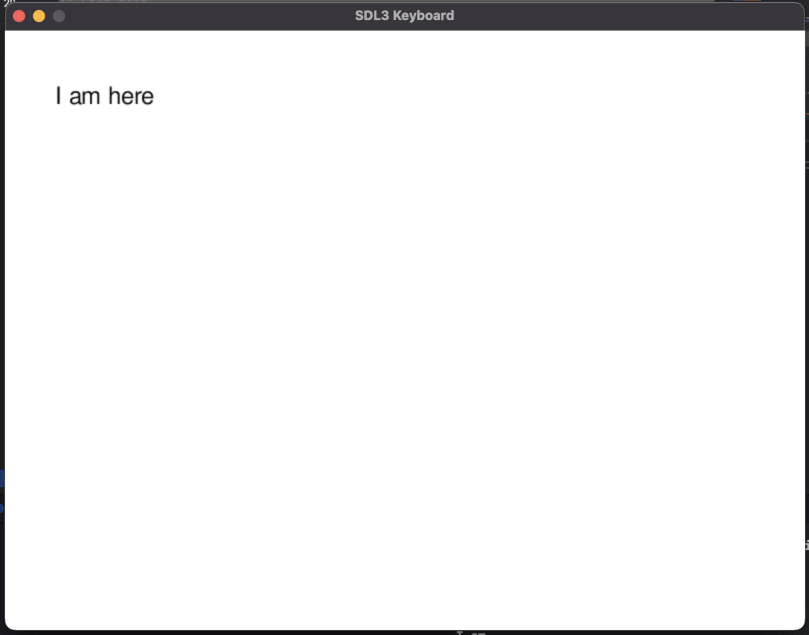
Handling Keyboard and Mouse Events with SDL3
Learn how to handle keyboard and mouse events using SDL3, enabling you to capture input and display typed text on the screen.
- git, cmake

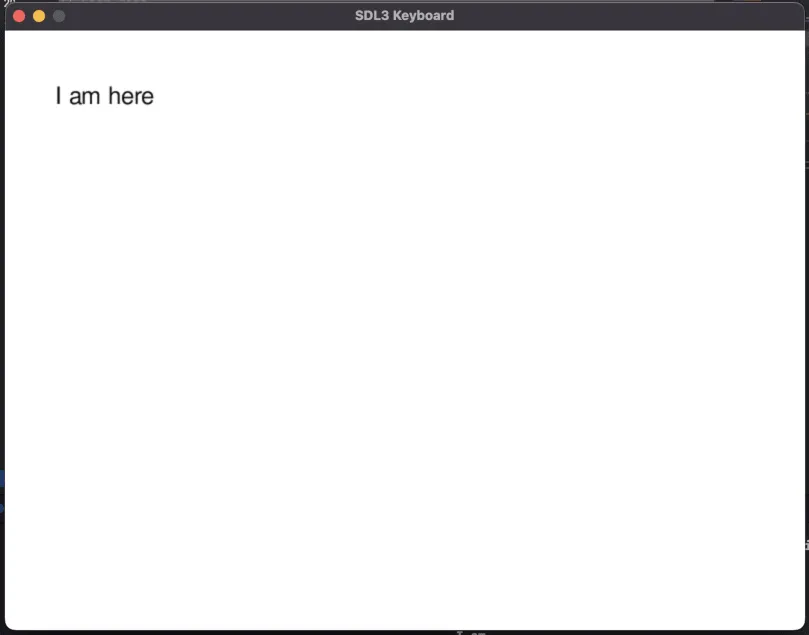
Initializations
The window and the renderer
We initialize SDL3 and SDL3_ttf after that we need to create the window and the renderer.
SDL_Init(SDL_INIT_VIDEO);
TTF_Init();
SDL_Window *window = NULL;
SDL_Renderer *renderer = NULL;
if (!SDL_CreateWindowAndRenderer("SDL3 Keyboard", 800, 600, 0, &window, &renderer)) {
    SDL_Log("Couldn't create window/renderer: %s", SDL_GetError());
    return SDL_APP_FAILURE;
}
Load the font
The next thing to do is load the font.
// Load font
TTF_Font *font = TTF_OpenFont("FreeSans.ttf", 24);
if (!font) {
    SDL_Log("Font load error: %s", SDL_GetError());
    return 1;
}
The event loop for the keyboard events
Before starting the event loop we must indicate to SDL3 to use the keyboard for inputs with SDL_StartTextInput(window);
The event SDL_EVENT_KEY_DOWN
We want to quit the app when the user press Escape:
case SDL_EVENT_KEY_DOWN:
    if (event.key.key == SDLK_ESCAPE)
        running = false;
    break;
Here we used a keycode for the key escape but you can also use scancode if you need the physical position of a key.
Keycode (SDL_Keycode)
- What it is: A semantic representation of a key.
- Purpose: Indicates the character or function the key represents, based on keyboard layout.
- Example: On a QWERTY layout, pressing the “A” key gives
SDLK_a. On an AZERTY layout, the same key givesSDLK_q. - Use it when: You want to interpret text, hotkeys (e.g. ESC, RETURN), or character-based input.
Scancode (SDL_Scancode)
- What it is: A physical position of a key on the keyboard.
- Purpose: Identifies the physical key pressed, independent of layout.
- Example: The key next to “S” is always
SDL_SCANCODE_A, even if it produces “A”, “Q”, or something else depending on layout. - Use it when: You need consistent key positions (e.g., WASD in games, custom remapping).
You can access allthese values for a key press or a key release event:
SDL_EventType type;     // SDL_EVENT_KEY_DOWN or SDL_EVENT_KEY_UP
Uint64 timestamp;       // In nanoseconds, populated using SDL_GetTicksNS()
SDL_WindowID windowID;  // The window with keyboard focus, if any
SDL_KeyboardID which;   // The keyboard instance id, or 0 if unknown or virtual
SDL_Scancode scancode;  // SDL physical key code
SDL_Keycode key;        // SDL virtual key code
SDL_Keymod mod;         // current key modifiers
Uint16 raw;             // The platform dependent scancode for this event
bool down;              // true if the key is pressed
bool repeat;            // true if this is a key repeat
The event SDL_EVENT_TEXT_INPUT
Whe can process the input when the user type something and store it inside a text variable.
case SDL_EVENT_TEXT_INPUT:
    text = text + event.text.text;
    break;
Implementing the backspace event to remove texts
As an exercice you can implement the backspace event.
Solution
case SDL_EVENT_KEY_DOWN:
    if (event.key.key == SDLK_BACKSPACE && text.size() > 0) {
        text.pop_back();
    }
    break;
The events for the mouse
The motion event: SDL_EVENT_MOUSE_MOTION
This event is tigered when the use move the mouse,if we want to display the coordinate:
case SDL_EVENT_MOUSE_MOTION:
    printf("Mouse moved to (%d, %d)\n",
            event.motion.x, event.motion.y);
    break;
You can acess all these values inside the mothion event:
SDL_EventType type; // SDL_EVENT_MOUSE_MOTION
Uint64 timestamp;   // In nanoseconds, populated using SDL_GetTicksNS()
SDL_WindowID windowID; // The window with mouse focus, if any
SDL_MouseID which;  // The mouse instance id in relative mode, SDL_TOUCH_MOUSEID for touch events, or 0
SDL_MouseButtonFlags state;       // The current button state
float x;            // X coordinate, relative to window
float y;            // Y coordinate, relative to window
float xrel;         // The relative motion in the X direction
float yrel;         // The relative motion in the Y direction
The button press and release event: SDL_EVENT_MOUSE_BUTTON_DOWN and SDL_EVENT_MOUSE_BUTTON_UP
We want to display the button and the coordinate of the cursor
case SDL_EVENT_MOUSE_BUTTON_DOWN:
    printf("Mouse button %d down at (%d, %d)\n",
            event.button.button,
            event.button.x, event.button.y);
    break;
We want to do the same for the mouse release event
case SDL_EVENT_MOUSE_BUTTON_UP:
    printf("Mouse button %d up at (%d, %d)\n",
            event.button.button,
            event.button.x, event.button.y);
    break;
Inside this event you can access:
SDL_EventType type; // SDL_EVENT_MOUSE_BUTTON_DOWN or SDL_EVENT_MOUSE_BUTTON_UP
Uint64 timestamp;   // In nanoseconds, populated using SDL_GetTicksNS()
SDL_WindowID windowID; // The window with mouse focus, if any
SDL_MouseID which;  // The mouse instance id in relative mode, SDL_TOUCH_MOUSEID for touch events, or 0
Uint8 button;       // The mouse button index
bool down;          // true if the button is pressed
Uint8 clicks;       // 1 for single-click, 2 for double-click, etc.
float x;            // X coordinate, relative to window
float y;            // Y coordinate, relative to window
The muse wheel event: SDL_EVENT_MOUSE_WHEEL
Here we want to display the coordinate of the mouse wheel.
case SDL_EVENT_MOUSE_WHEEL:
    printf("Mouse wheel: (%d, %d)\n",
            event.wheel.x, event.wheel.y);
    break;
You can have access to all these values :
SDL_EventType type; // SDL_EVENT_MOUSE_WHEEL
Uint64 timestamp;   // In nanoseconds, populated using SDL_GetTicksNS()
SDL_WindowID windowID; // The window with mouse focus, if any
SDL_MouseID which;  // The mouse instance id in relative mode or 0
float x;            // The amount scrolled horizontally, positive to the right and negative to the left
float y;            // The amount scrolled vertically, positive away from the user and negative toward the user
SDL_MouseWheelDirection direction; // Set to one of the SDL_MOUSEWHEEL_* defines. When FLIPPED the values in X and Y will be opposite. Multiply by -1 to change them back
float mouse_x;      // X coordinate, relative to window
float mouse_y;      // Y coordinate, relative to window
Sint32 integer_x;   // The amount scrolled horizontally, accumulated to whole scroll "ticks"
Sint32 integer_y;   // The amount scrolled vertically, accumulated to whole scroll "ticks"
The rendering
Clear the screen
SDL_SetRenderDrawColor(renderer, 255, 255, 255, 255); // White
SDL_RenderClear(renderer);
Render the texts
Create the texture of text
SDL_Color black = {0, 0, 0};
SDL_Surface *surface = TTF_RenderText_Blended(font, text.c_str(), text.size(), black);
SDL_Texture *texture = SDL_CreateTextureFromSurface(renderer, surface);
Render the texture
float texW = 0, texH = 0;
SDL_GetTextureSize(texture, &texW, &texH);
SDL_FRect dst = {50, 50, texW, texH};
SDL_RenderTexture(renderer, texture, NULL, &dst);
Cleanup
SDL_DestroyTexture(texture);