Play Music with SDL3_mixer in SDL3
Learn how to load, play, and manage audio with SDL3_mixer in this free SDL3 tutorial—ideal for game development and multimedia applications.
- SDL3, SDL3_mixer

SDL3_mixer is the official audio mixing library for SDL3, the third major version of the Simple DirectMedia Layer (SDL).
It is a separate add-on library that provides high-level audio playback features—specifically for playing sound effects and music in games or multimedia applications.
What Does SDL3_mixer Do?
SDL3_mixer allows you to:
- Load and play sound effects (WAV, MP3, OGG, etc.)
- Play background music (streamed from files)
- Control volume, pause, stop, and resume sounds
- Play multiple sounds at once (channels)
- Fade in/out sounds and music
- Support for music loops
Supported Audio Formats: WAV, MP3, OGG, MOD, XM, MIDI
SDL3_mixer is still very new and hasn’t yet been widely adopted in production games, so there are no major commercial titles known to use it. It’s in the early stages of adoption, still undergoing API stabilization and being built from source in many cases.
Download and compile sdl3_mixer
At the time of wriing this tutorial SDL3_mixer does not have a release, so you need to pick the main branch:
main.zip
After downloading the repo create a build folder and use cmake too build the library, you can refer to previous tutorials for that.
Init SDL3 and SDL3_mixer
Create the window and the renderer, you can then init SDL3_mixer with SDL_OpenAudioDevice and Mix_OpenAudio
SDL_Init(SDL_INIT_VIDEO | SDL_INIT_AUDIO);
SDL_Window* win = SDL_CreateWindow("SDL3 Music Project", 640, 480, 0);
if (win == nullptr) {
    std::cerr << "SDL_CreateWindow Error: " << SDL_GetError() << std::endl;
    SDL_Quit();
    return 1;
}
SDL_Renderer* ren = SDL_CreateRenderer(win, NULL);
if (ren == nullptr) {
    std::cerr << "SDL_CreateRenderer Error: " << SDL_GetError() << std::endl;
    SDL_DestroyWindow(win);
    SDL_Quit();
    return 1;
}
// init SDL Mixer
auto audioDevice = SDL_OpenAudioDevice(SDL_AUDIO_DEVICE_DEFAULT_PLAYBACK, NULL);
if (!audioDevice) {
    std::cerr << "SDL_OpenAudioDevice Error: " << SDL_GetError() << std::endl;
    SDL_DestroyWindow(win);
    SDL_Quit();
}
if (!Mix_OpenAudio(audioDevice, NULL)) {
    std::cerr << "Mix_OpenAudio Error: " << SDL_GetError() << std::endl;
    SDL_DestroyWindow(win);
    SDL_Quit();
}
Load and play the music
You can now load the music and after loading just play it with Mix_PlayMusic
If you need a song use this one: hybrid.ogg
std::string musicPath = "/Users/vulcain/Downloads/SDL3_mixer_example/hybrid.ogg";
auto music = Mix_LoadMUS(musicPath.c_str());
if (!music) {
    std::cerr << "Mix_LoadMUS Error: " << SDL_GetError() << std::endl;
    SDL_DestroyWindow(win);
    SDL_Quit();
}
// play the music (does not loop)
Mix_PlayMusic(music, 0);
The event loop
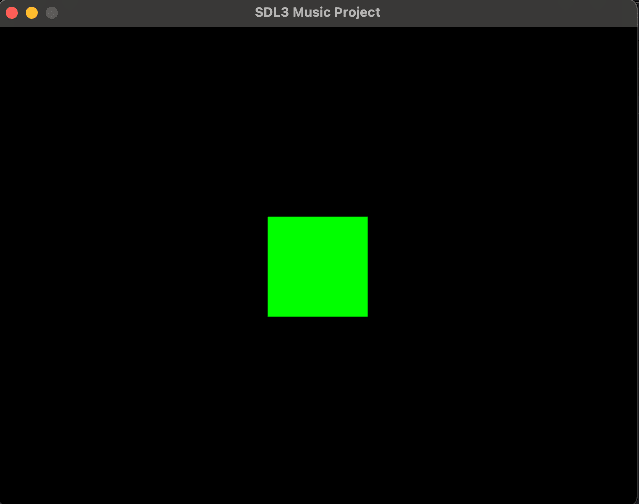
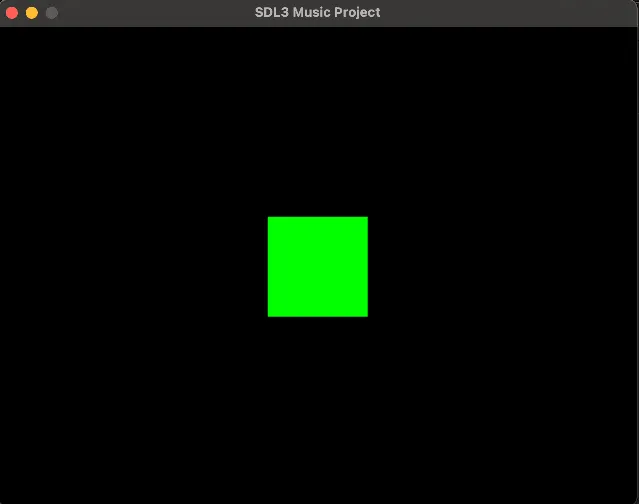
And that’s it the music can now play, you still need an event loop you can display a green square on it.
SDL_Event e;
bool quit = false;
// Define a rectangle
SDL_FRect greenSquare {270, 190, 100, 100};
while (!quit) {
    while (SDL_PollEvent(&e)) {
        if (e.type == SDL_EVENT_QUIT) {
            quit = true;
        }
    }
    SDL_SetRenderDrawColor(ren, 0, 0, 0, 255); // Set render draw color to black
    SDL_RenderClear(ren); // Clear the renderer
    SDL_SetRenderDrawColor(ren, 0, 255, 0, 255); // Set render draw color to green
    SDL_RenderFillRect(ren, &greenSquare); // Render the rectangle

    SDL_RenderPresent(ren); // Render the screen
}
SDL_DestroyRenderer(ren);
SDL_DestroyWindow(win);
SDL_Quit();
return 0;
You can download the full project:
- For macos: SDL3_mixer_example_mac.7z
- For windows: SDL3_mixer_example_win.7z
- For linux: SDL3_mixer_example_linux.7z